Easy CRMSales CRM and field service in one workspace. 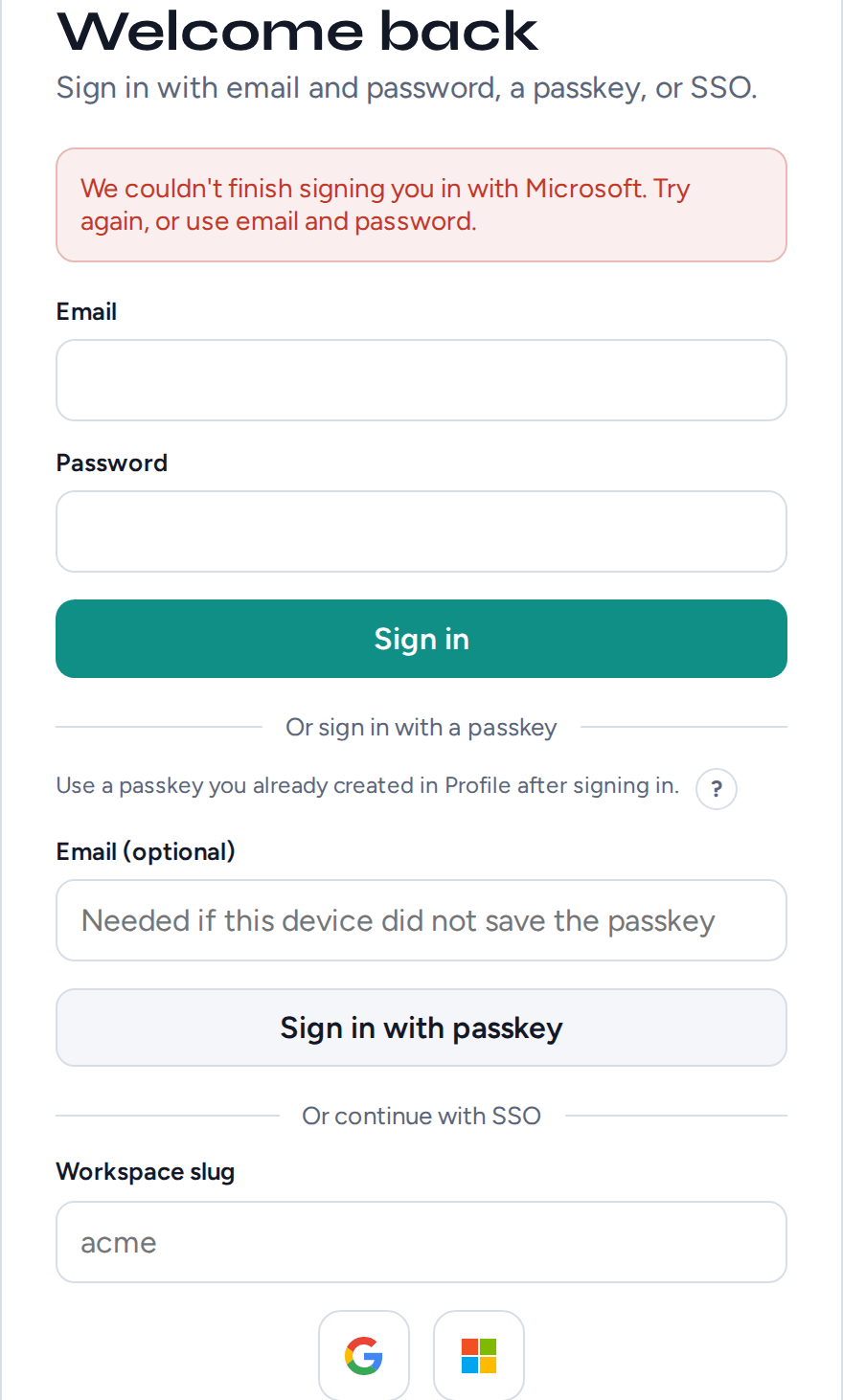
Welcome back
Sign in with email and password, or a passkey.
Or sign in with a passkey
Use a passkey you already created in Profile after signing in.
After you sign in, create a passkey here. Your browser asks this device (Windows Hello, Face ID, Touch ID) or a security key to generate a key pair bound to Easy CRM. The private key never leaves the device; we only store the matching public key. At the next login, choose Sign in with passkey — the device proves you are present and signs a one-time challenge, so your password is not sent. Add or remove passkeys only from this Profile page.Trouble signing in
- The message on this page says what happened and what to do next.
- For email and password, check both and try again. You can also use a passkey.
- If sign-in stopped early or the session has expired, start again from this page. An earlier attempt cannot be resumed.